

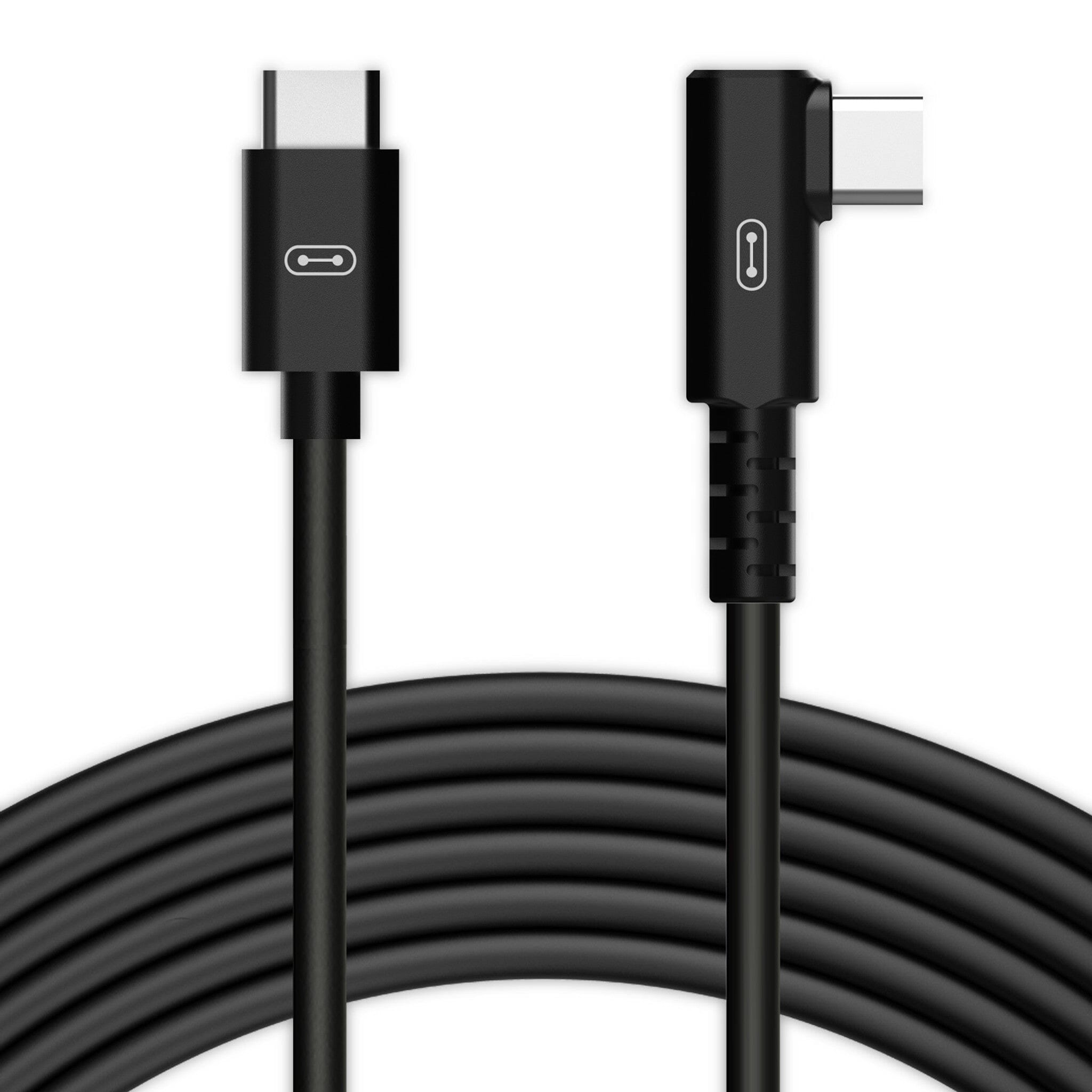
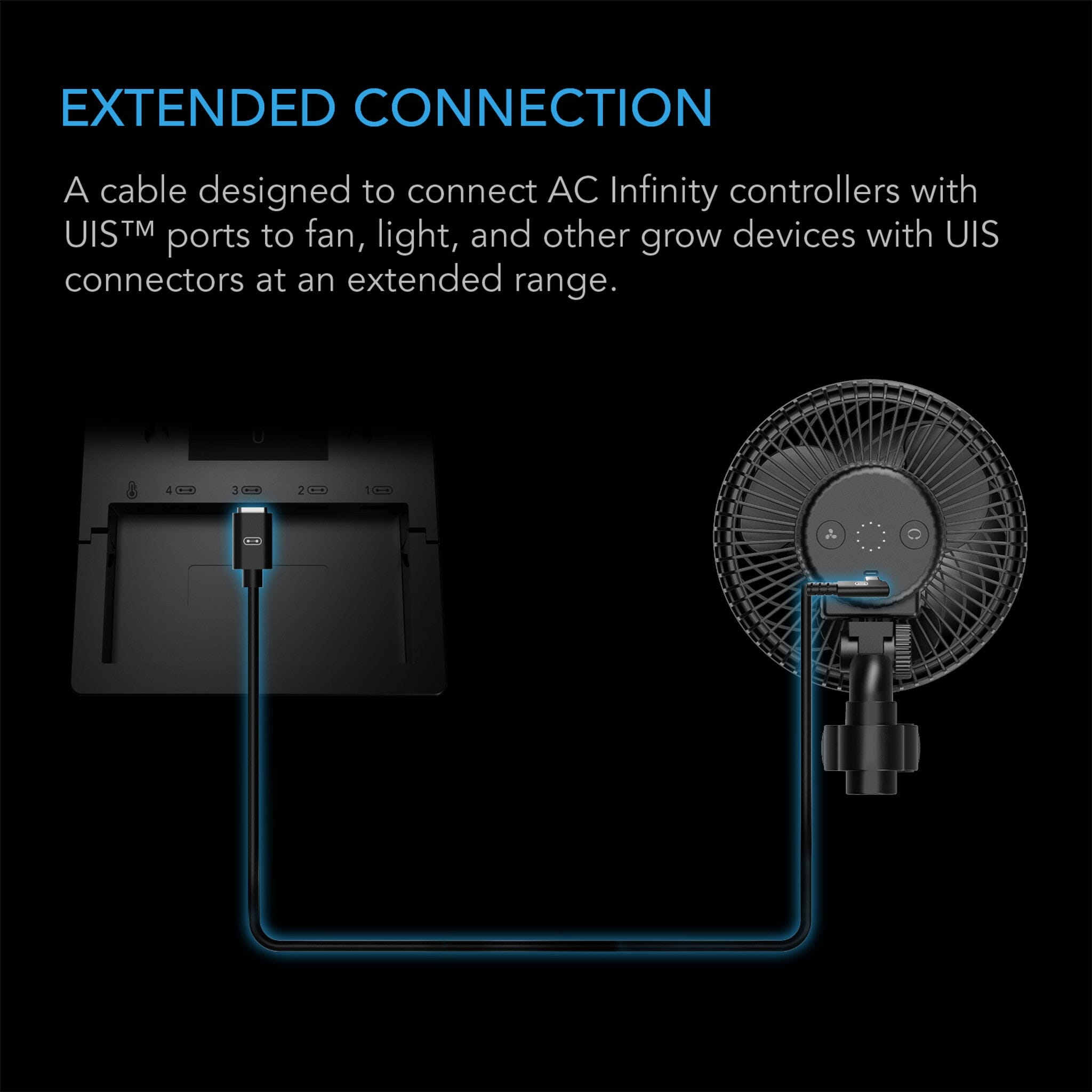
The AC Infinity UIS Cable with an L-shaped connector is a 3.05 m male-to-male lead with one right-angled end. It exists for a specific and very common problem: a device mounted hard against a wall, a ceiling or the inside of a tent frame, where a straight plug either will not seat fully or gets bent every time something moves past it.
When a straight plug won't do
A straight UIS plug needs several centimetres of clearance behind it. Mount an inline fan flush to a ceiling joist, sit a dehumidifier against a wall, or run a shutter fan in a tight cavity and that clearance is not there — so the cable either sits half-seated, which causes intermittent dropouts, or exits at an angle that puts constant strain on the connector.
The right-angled end turns the cable through ninety degrees at the socket, so it lies flat along the surface instead of standing proud of it. The connection seats properly, the strain comes off, and the run is tidier. It is a small part that quietly removes a nagging problem.
What it connects
Anything on the UIS platform. Controllers: Controller AI+, Controller 69, 69 Pro, 69 Pro+ and Controller 63. Devices: Cloudline inline fans, Cloudray clip fans, Cloudlift floor and wall fans, Airlift shutter fans, Airtitan crawl-space fans, Airblaze blowers, Cloudway whole-house fans, Cloudforge humidifiers, Hydrone dehumidifiers, Thermoforge heaters, and the Iongrid, Ionboard, Ionbeam and Ionframe LED lines — plus control plugs and splitter hubs.
Specifications
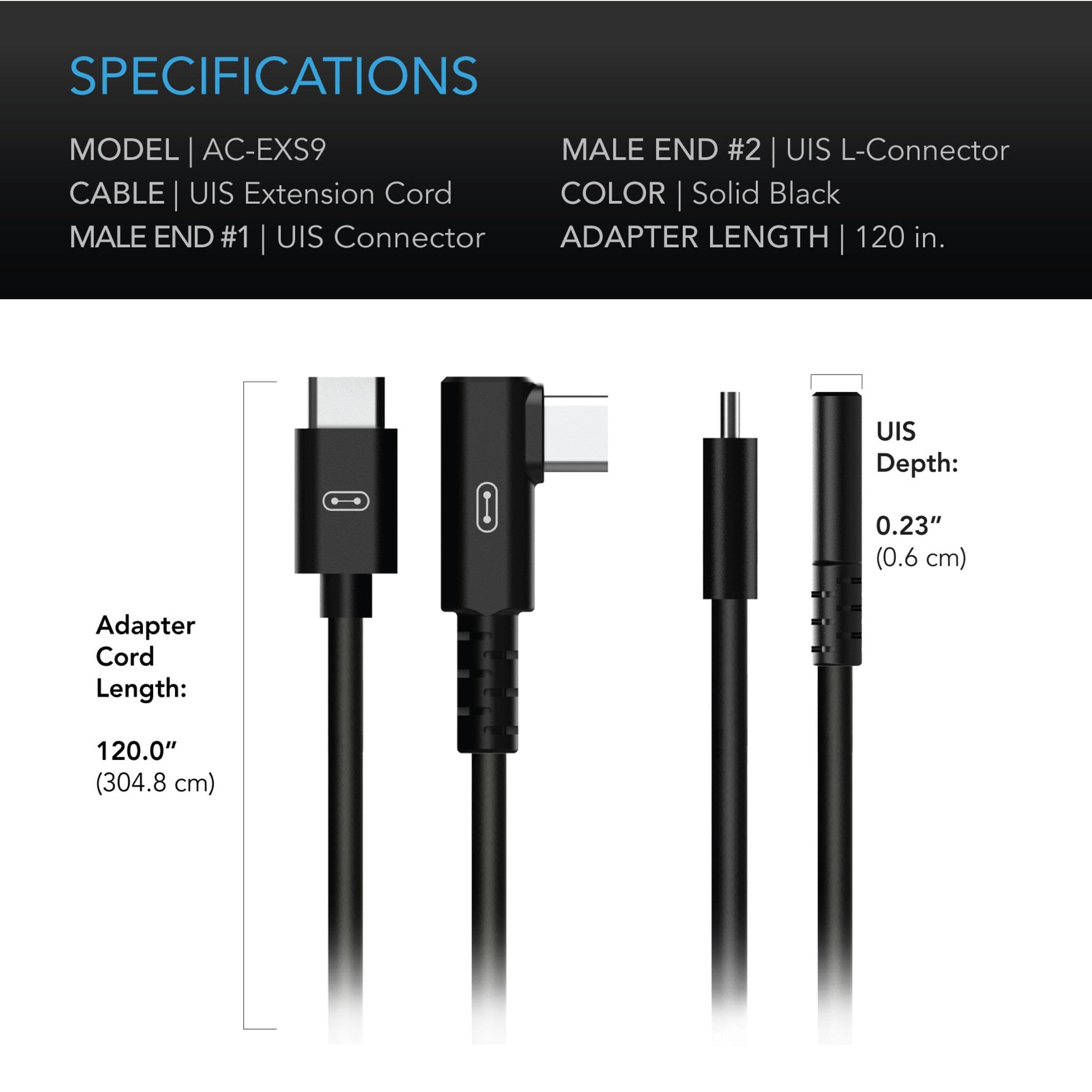
| Product identification | |
| Manufacturer | AC Infinity Inc. |
| Product name | UIS to UIS Cord, L-shaped |
| Model | AC-EXS9 |
| Performance and technical | |
| Total length | 3.05 m (10 ft) |
| End 1 | UIS male, straight |
| End 2 | UIS male, L-shaped connector |
| Typical use | Wall, ceiling or flush-mounted devices with no clearance behind the port |
FAQ
Is it the same cable as the standard male-to-male, just bent?
Functionally yes — same length, same connectors, same devices. The only difference is the right-angled end, which is there for clearance. If you have room for a straight plug, the standard version is the one to buy.
Which end goes where?
Put the L-shaped end into whichever port has the clearance problem — usually the device, sometimes the controller if it is wall-mounted tight. The straight end goes on the other.
Can I tell which way the L points?
The connector has a fixed orientation, so plan which way the cable should exit before you mount the device. In most positions either direction works; in a genuinely tight corner it is worth a thirty-second check first.
Will it work with the Controller AI+?
Yes — UIS is the same connector across the range. It is a device-side cable, not for the AI+'s sensor ports.
My connection keeps dropping out. Will this fix it?
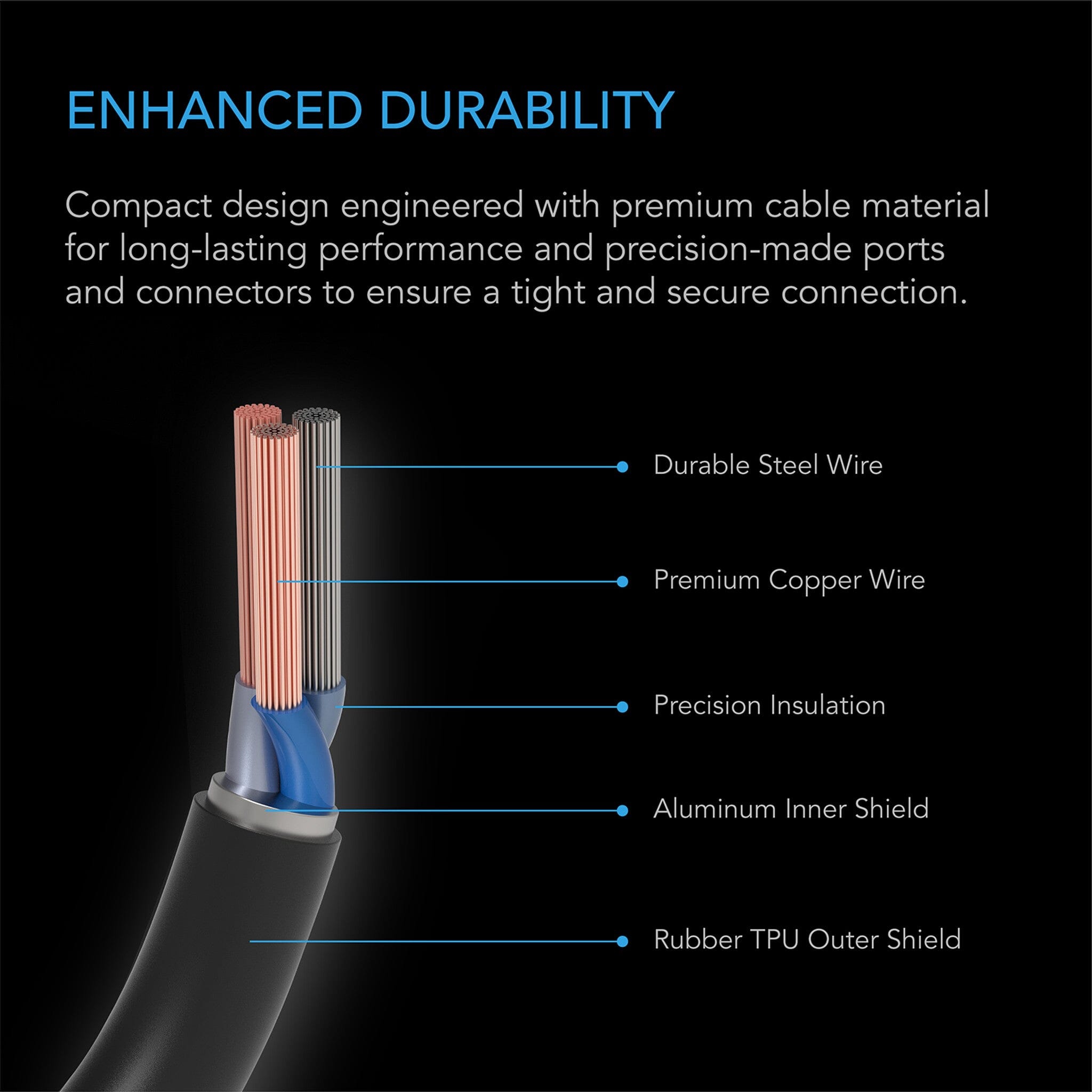
If the cause is a plug that cannot seat fully because something is in the way, yes — that is exactly what it is for. If the plug seats properly and the drop-outs continue, it is more likely the port or the cable itself; get in touch and we will work out which.