

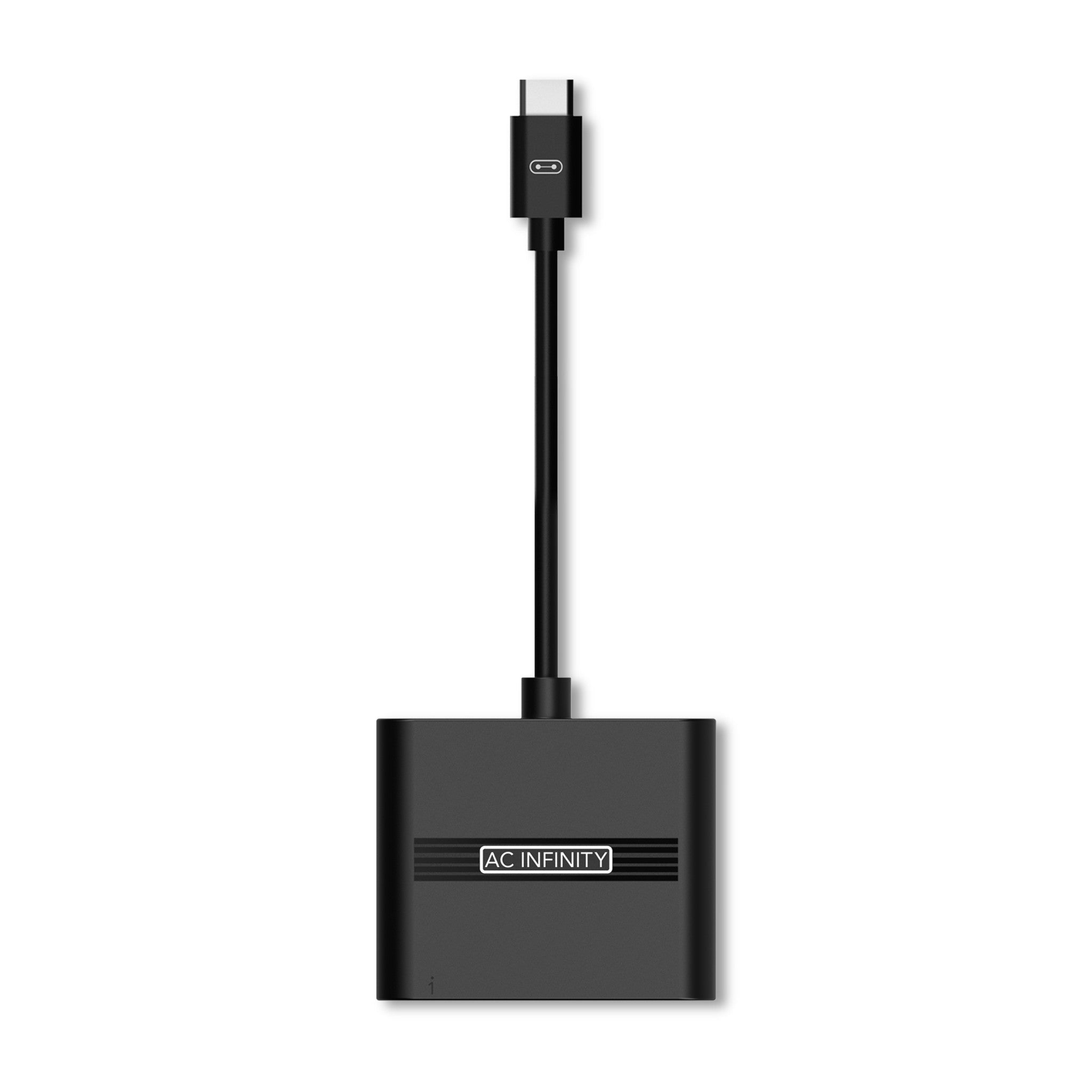
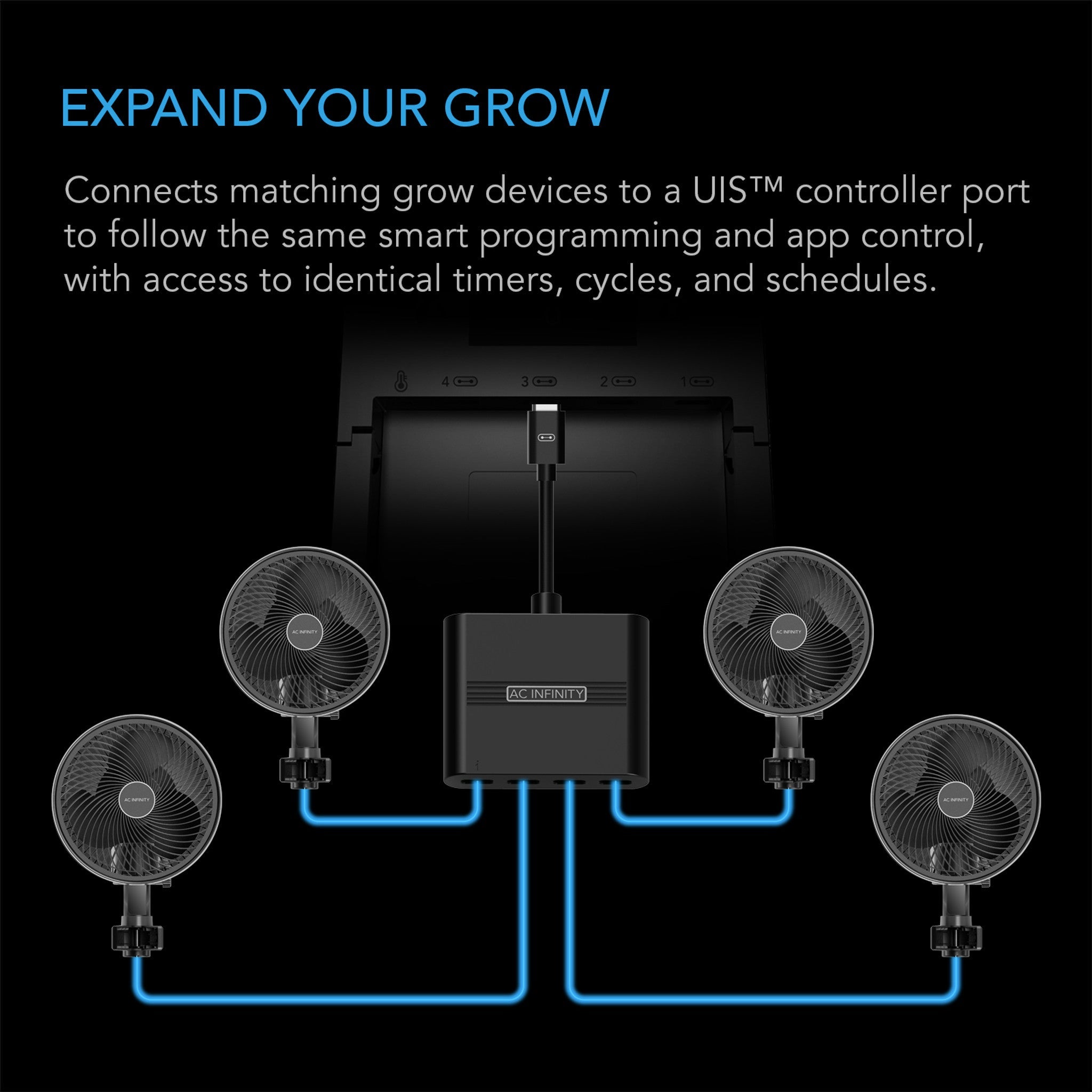

The AC Infinity UIS Splitter Hub is a four-port dongle that lets one controller port run up to four devices on a single shared program. It is the part that stops port count being the thing that decides which controller you buy: a bank of matched clip fans, a pair of intake fans or a row of light bars all behave identically anyway, so they can share one program and one port between them.
Yes, it works with the Controller AI+
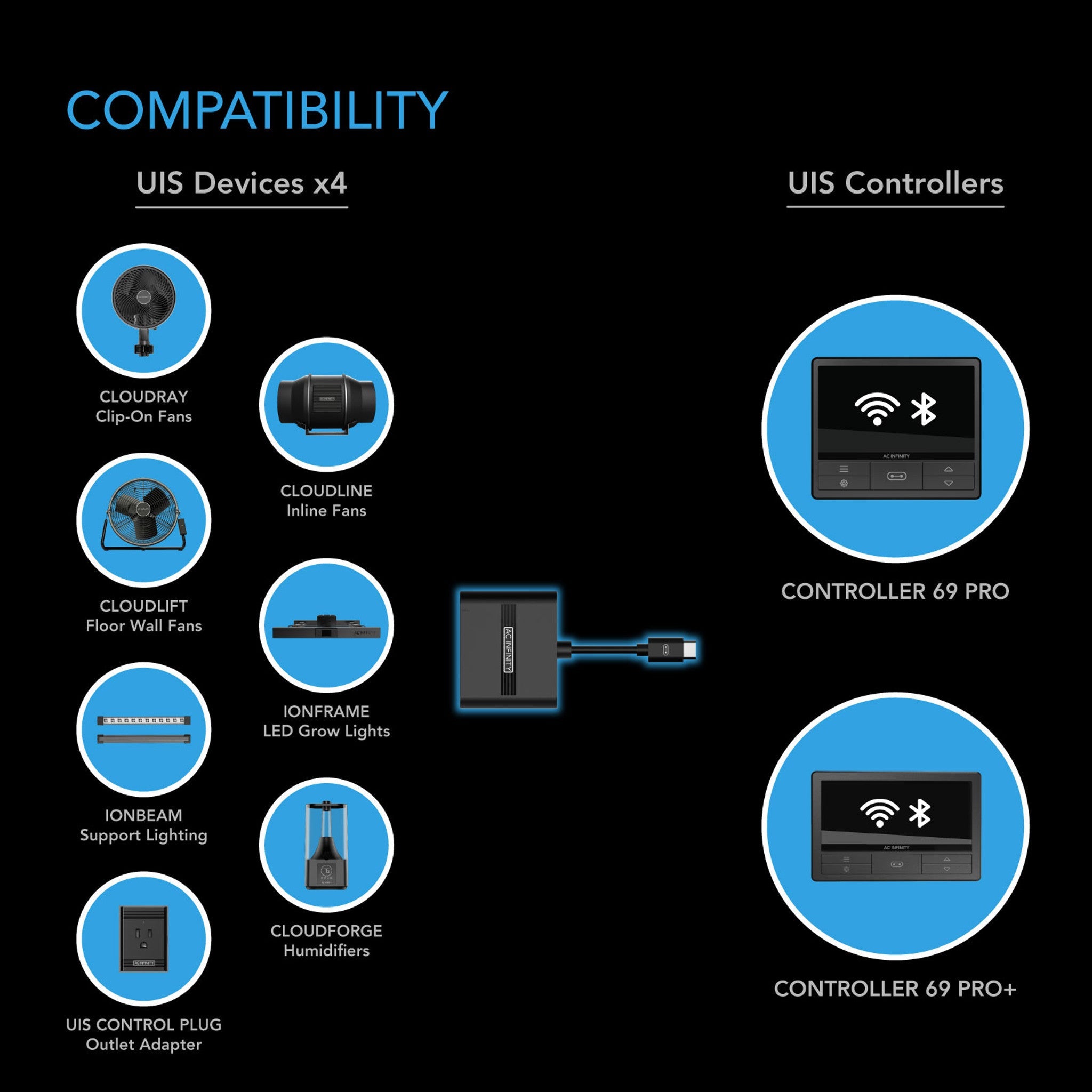
This gets asked constantly and there is a lot of wrong information about it, so plainly: the splitter hub works with the Controller AI+, and with the Controller 69 Pro and Pro+. AC Infinity confirm it on their own listing.
There is one real caveat, and it is where the confusion starts. On the Controller AI+, devices behind a hub lose their device-exclusive functions — clip-fan oscillation, heater mode switching — and the controller sees them as one generic device rather than identifying each unit individually. Everything else works: triggers, levels, timers, cycles, schedules, all applied to the group. Anything that needs its own behaviour goes on its own port, and that is the whole rule.
Running the wireless transmitters from a hub
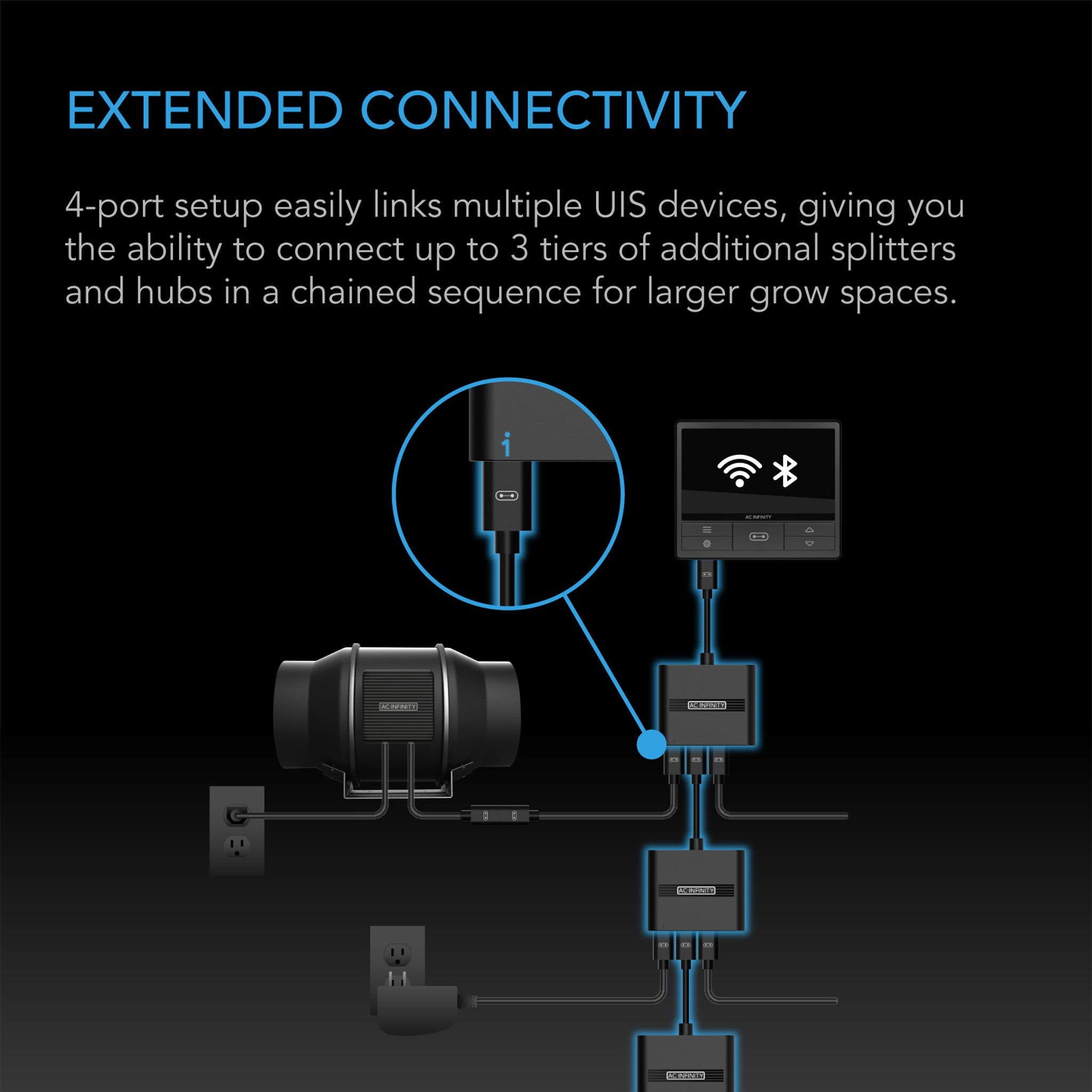
This one is worth knowing and is not in anyone's manual. The UIS 1-to-1 Transmitter & Receiver can be run from the splitter hub, which gives you a very flexible way to reach devices you cannot cable to. The condition is that the hub has to have power: one of its ports must be connected by UIS cable to a powered AC Infinity device, and that device feeds the hub. Once it does, the wireless pairs work from the remaining ports.
The usual caveat still applies — everything on that hub, wired or wireless, follows the same single program from that one controller port. Plan the grouping around devices that should behave identically and the arrangement is very tidy.
What it connects to
Any AC Infinity device with a UIS port: Cloudline inline fans, Cloudray clip fans, Cloudlift floor and wall fans, Airlift shutter fans, Airtitan crawl-space fans, Airblaze blower fans, Cloudforge humidifiers, Hydrone dehumidifiers, Thermoforge heaters, and the Ionbeam, Ionboard, Iongrid and Ionframe LED lines. Outlet-powered gear joins through a UIS Control Plug. It uses the standard male-to-male UIS cords that come with devices, and spares are available separately.
Specifications
| Product identification | |
| Manufacturer | AC Infinity Inc. |
| Product name | UIS Splitter Hub, 4-port |
| Model | AC-ADS7 |
| UPC | 819137024137 |
| Performance and technical | |
| Ports | 4 UIS, sharing one controller program |
| Chaining | Up to 3 tiers of hubs |
| Controller compatibility | Controller AI+, 69, 69 Pro, 69 Pro+ and future UIS controllers |
| Port type expanded | Device ports only (not AI sensor ports) |
| Cabling | Standard UIS male-to-male cords |
| Not compatible with | RJ11/12 Type-A and Type-B lighting adapters |
FAQ
Does it work with the Controller AI+ or not?
It does. AC Infinity list the Controller AI+ as compatible. The only thing you give up is device-exclusive control — clip fan oscillation, heater mode switching — and individual device identification, because the controller treats everything on that port as one group. Triggers, levels, timers, cycles and schedules all work normally.
Can I use it to add more sensors to my AI+?
No — this expands device ports, not sensor ports. The Controller AI+ supports three sensors in total (one built in, two ports) and there is no sensor splitter on the market yet.
Can the four devices be programmed separately?
No. That is the trade. Everything on the hub follows the one program from the port it is plugged into. Group things that should behave identically — two intake fans, four clip fans, a row of light bars — and put anything that needs its own settings on its own port.
Can I chain hubs together?
Yes, up to three tiers, which is how a controller with eight ports reaches the 32-device figure AC Infinity quote. Everything downstream of a port still shares that port's single program.
Do I need extra cables?
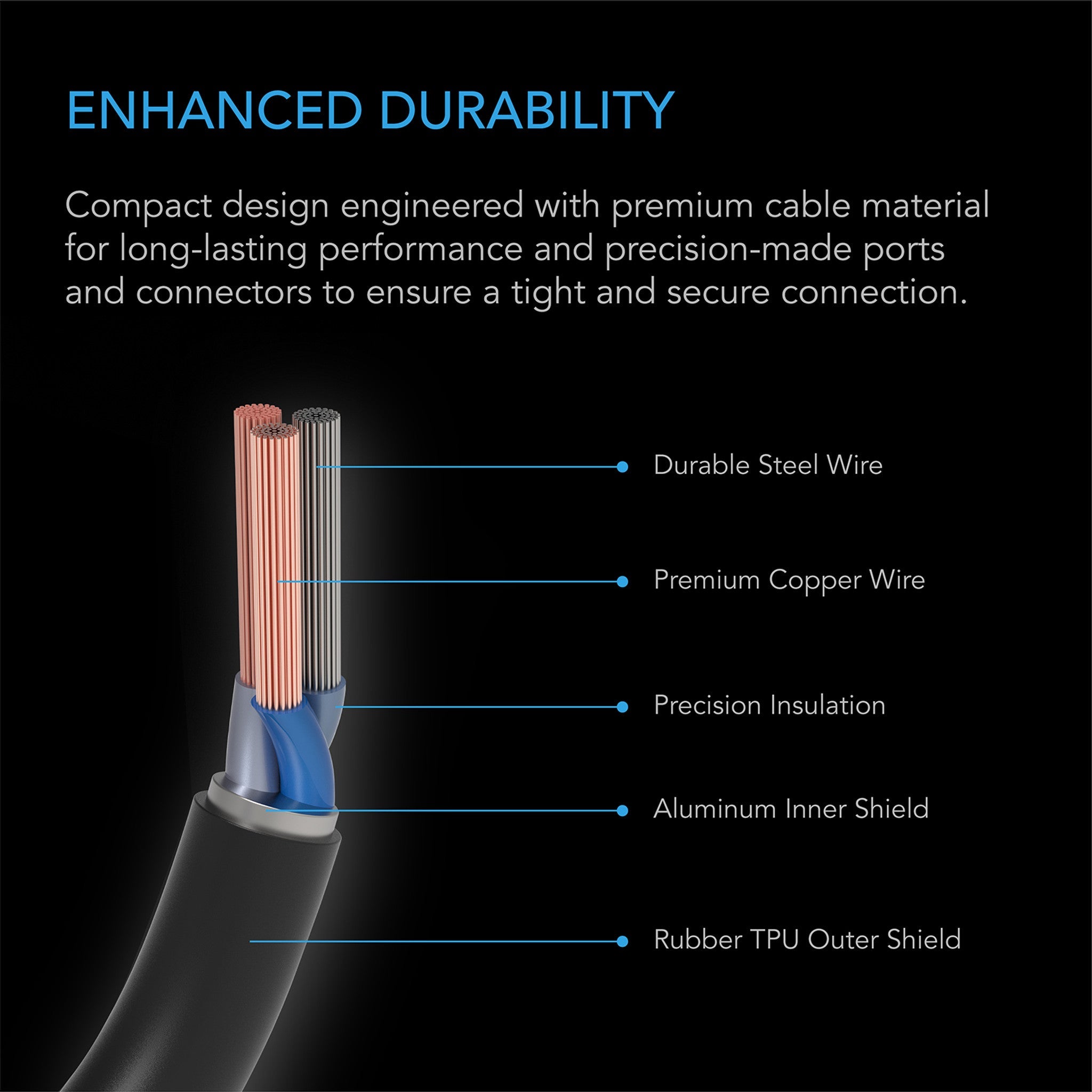
Each AC Infinity device comes with its own UIS cord, which is usually enough. If a device sits further away than its cord reaches, the 3.05 m male-to-male UIS cable covers the gap.
Will it work with my Type-A lighting adapter?
No. The RJ11/12 Type-A and Type-B lighting adapters are not hub-compatible and need their own controller port. Type-D and UIS-native lights are fine on a hub.