
AC Infinity USB Component Fans
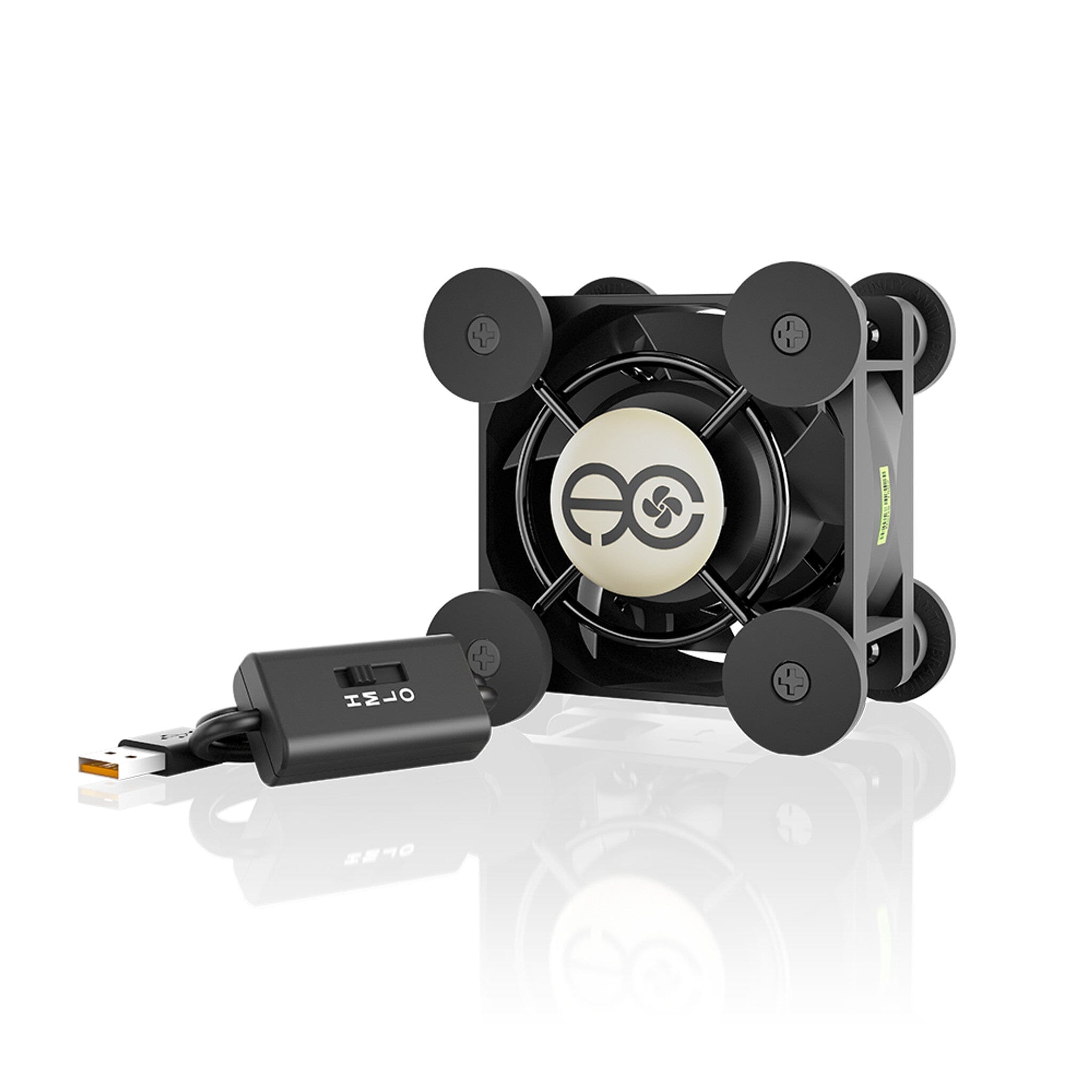
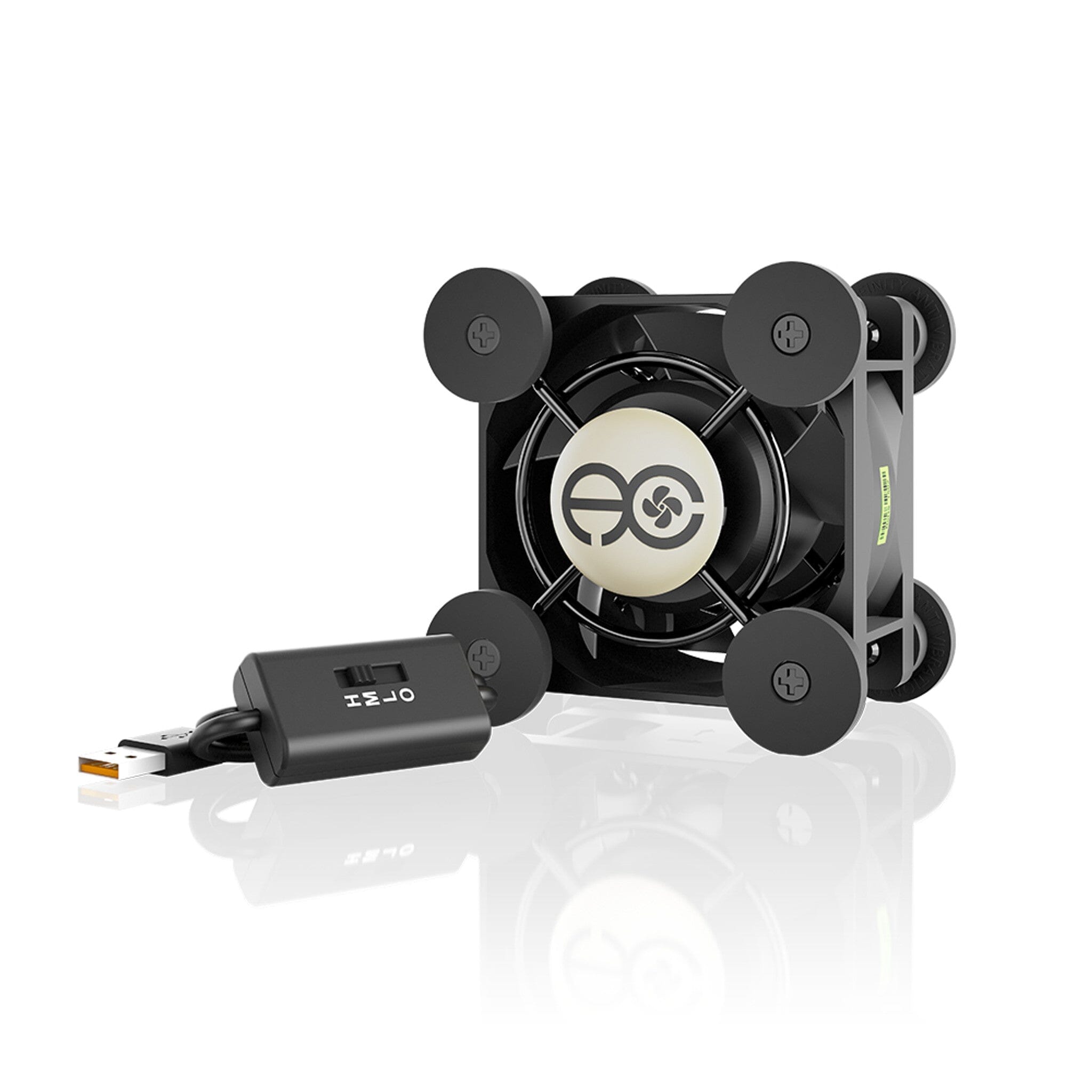
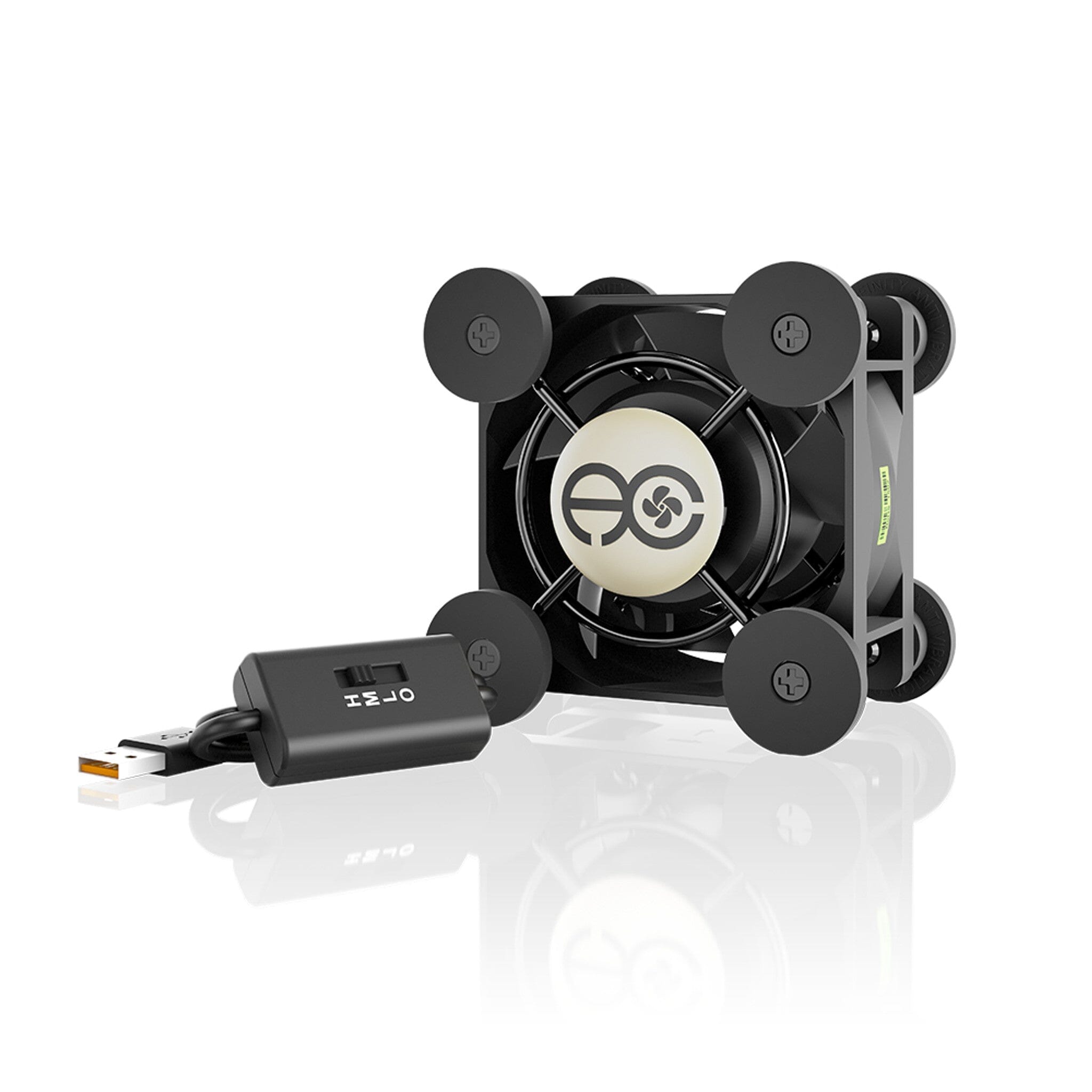
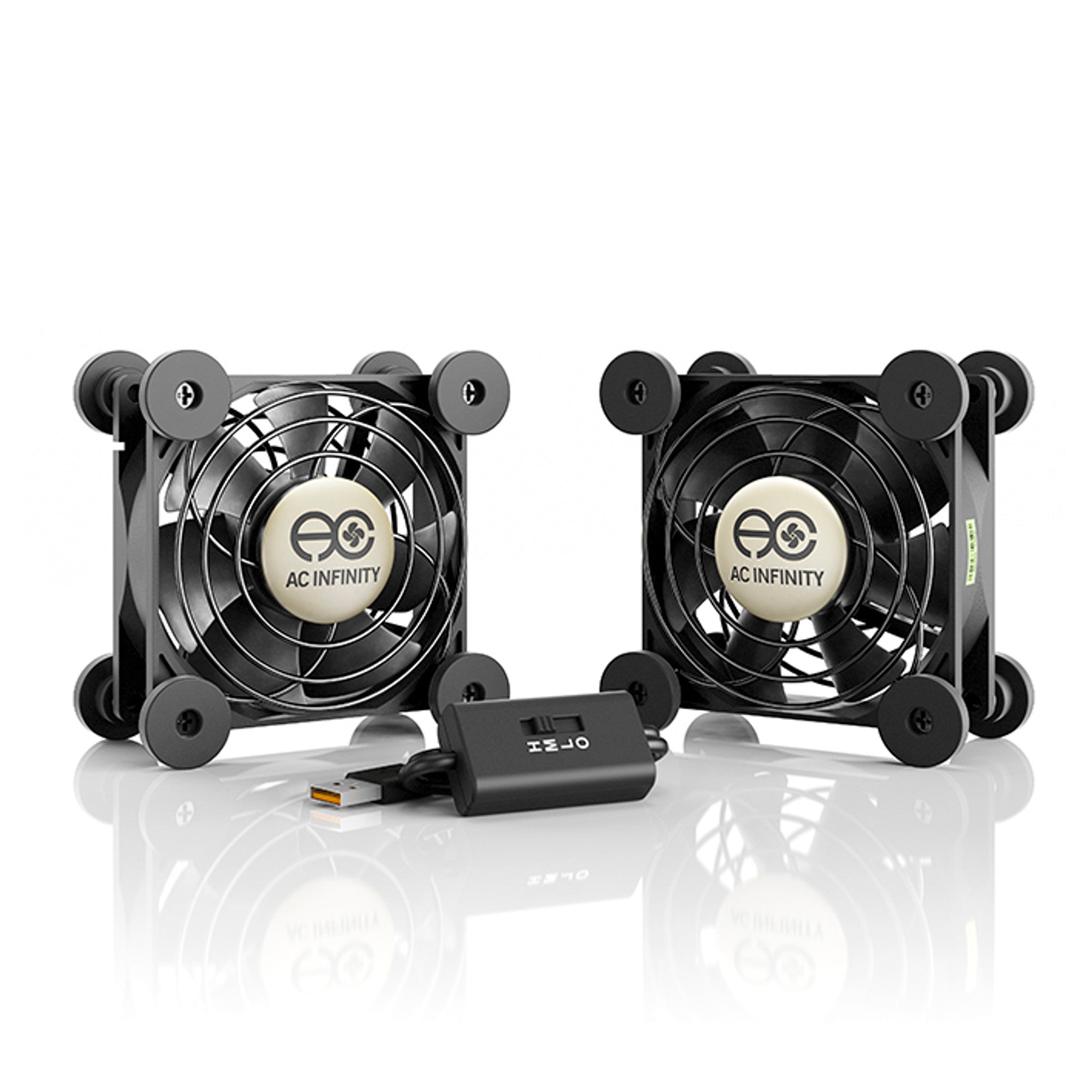
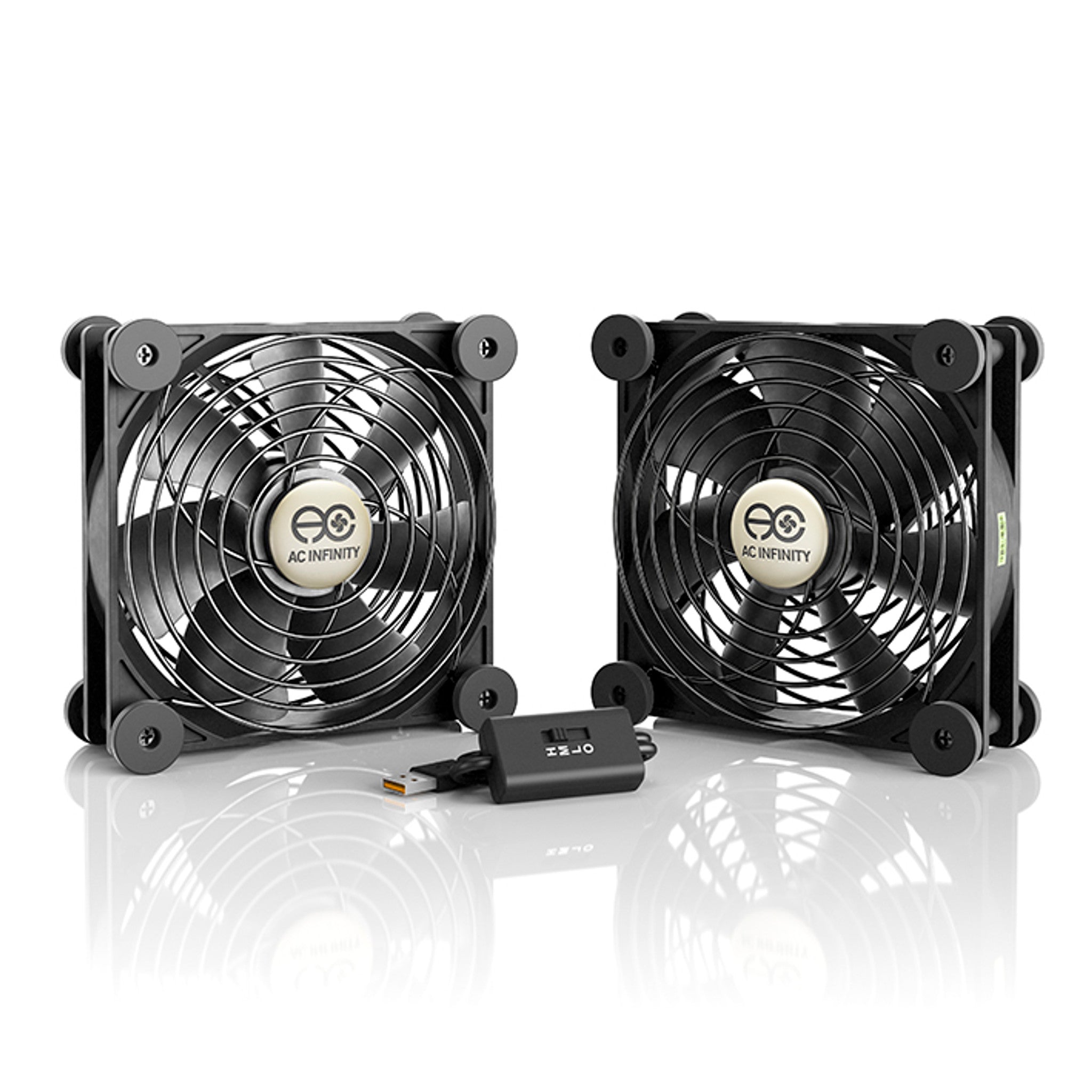
Electronics fail from heat long before they fail from age, and the equipment most at risk is the equipment nobody thinks about — an amplifier in a closed cabinet, a modem on a shelf behind a TV, a console in a media unit with no airflow, a printer's electronics bay. The AC Infinity MULTIFAN range solves that with fans quiet enough that you forget they are running: 17–19 dBA, powered from a USB port, with an in-line speed dial so you can set them and leave them.
17–19 dBA
across the range
67,000 hrs
rated dual ball bearing life
USB powered
run it off the gear it is cooling
2-year warranty
genuine AC Infinity, QBL-backed
Start with what you are cooling
| The problem | What suits it |
|---|---|
| A single warm box — modem, router, set-top, small amp | One 80 mm or 120 mm fan sitting under or beside it |
| A closed AV cabinet or media unit | A dual unit, so you can pull cool air in one side and push warm air out the other |
| A receiver or console that throttles or shuts down under load | The largest single fan that fits on top of or under the unit — more area, lower speed, less noise |
| A network rack or shelf of equipment | Dual 120 mm, or several units daisy-chained on one USB source |
| A 3D printer's electronics bay or enclosure interior | A single 80 or 120 mm unit for circulation — for extracting fumes you want the S4 Fume Extraction Kit instead |
| Moving air through ducting, or through a filter | Not these — you want an inline duct fan |
The range, compared
| Model | Fans | Size (each) | Airflow | Noise |
|---|---|---|---|---|
| MULTIFAN S1 | 1 × 80 mm | 8.0 × 8.0 × 2.5 cm | 26 CFM | 17 dBA |
| MULTIFAN S3 | 1 × 120 mm | 12.0 × 12.0 × 2.5 cm | 52 CFM | 18 dBA |
| MULTIFAN S4 | 1 × 140 mm | 14.0 × 14.0 × 2.5 cm | 57 CFM | 18 dBA |
| MULTIFAN S5 | 2 × 80 mm | 8.0 × 8.0 × 2.5 cm | 52 CFM total | 18 dBA |
| MULTIFAN S7 | 2 × 120 mm | 12.0 × 12.0 × 2.5 cm | 104 CFM total | 19 dBA |
Manufacturer figures at rated speed. The dial takes every model below its rated noise; these are the numbers flat out, not the numbers you will normally run.
Why not just use a spare case fan
You can, and people do — wired to a USB cable, taped to the back of a cabinet, running at one speed forever. What you give up is everything that makes a fan liveable in a room you sit in.
Built to run for years
- Dual ball bearings rated by AC Infinity at 67,000 hours
- Mount horizontally or vertically — sleeve bearings object to one of those
- UL-507 recognised fans, CE and RoHS certified
Built to disappear
- In-line multi-speed dial with a power switch
- Eight anti-vibration rubber feet per fan
- 1.8 m (6 ft) cord, and a pass-through USB port for daisy-chaining
Straight answer on what these can and cannot do: these are low-pressure fans built to move air across and around open components. They are excellent at that. They are not built to pull air through ducting, a carbon filter or a restricted enclosure port — attach any of those and the airflow collapses, because static pressure is what that job needs and it is not what a USB case fan has. If the air has to travel through something, you want an inline duct fan. The other half of it: a fan in a sealed cabinet just stirs hot air. Give it somewhere to push the heat — a vent, a gap at the back, an open shelf — or you are only making the inside more evenly warm.
FAQ
Where does it plug in?
A standard USB port — most people use one on the back of the device they are cooling, so the fan powers up and down with it. Any USB wall adapter or power bank works too. The fans run on 3–7 V DC, so there is no mains wiring and nothing to install.
Can I run more than one from a single port?
Yes. Each unit has a pass-through USB port, so up to four fans can daisy-chain onto one power source — which is how most rack and multi-shelf setups get built.
Should I blow air in or draw it out?
Draw it out, in most cabinets. Heat collects at the top, so extracting from the highest point and letting cool air enter low works better than blowing cold air at a hot box. With a dual unit you can do both: one fan low pulling in, one high pushing out.
Is one bigger fan better than two smaller ones?
Usually, for noise. A larger fan moves the same air at a lower speed, and speed is what you hear. Two fans win when you need airflow at two separate points — intake and exhaust in a cabinet, or two pieces of gear on different shelves.
Will I hear it in a quiet room?
At full speed, marginally — 17–19 dBA is very quiet but not silent. The point of the in-line dial is that you rarely need full speed: wind it back until the gear stays cool and the fan stops being something you notice. The rubber feet matter here too, since a fan resting directly on a hollow cabinet panel turns the panel into a soundboard.
Can I use one inside a 3D printer or its enclosure?
For circulating air around the electronics bay or evening out chamber temperature, yes — a single 80 or 120 mm unit does that well. For getting ASA or ABS fumes out of the room, no: that needs ducted extraction and real static pressure, which is what the S4 Fume Extraction Kit is for.
Is this genuine AC Infinity stock with Australian warranty?
Yes. Quick Bloom Lights is the official Australian importer and distributor for AC Infinity. Stock is held in Sydney, orders ship domestically, and the two-year warranty is handled here rather than through an overseas seller.