

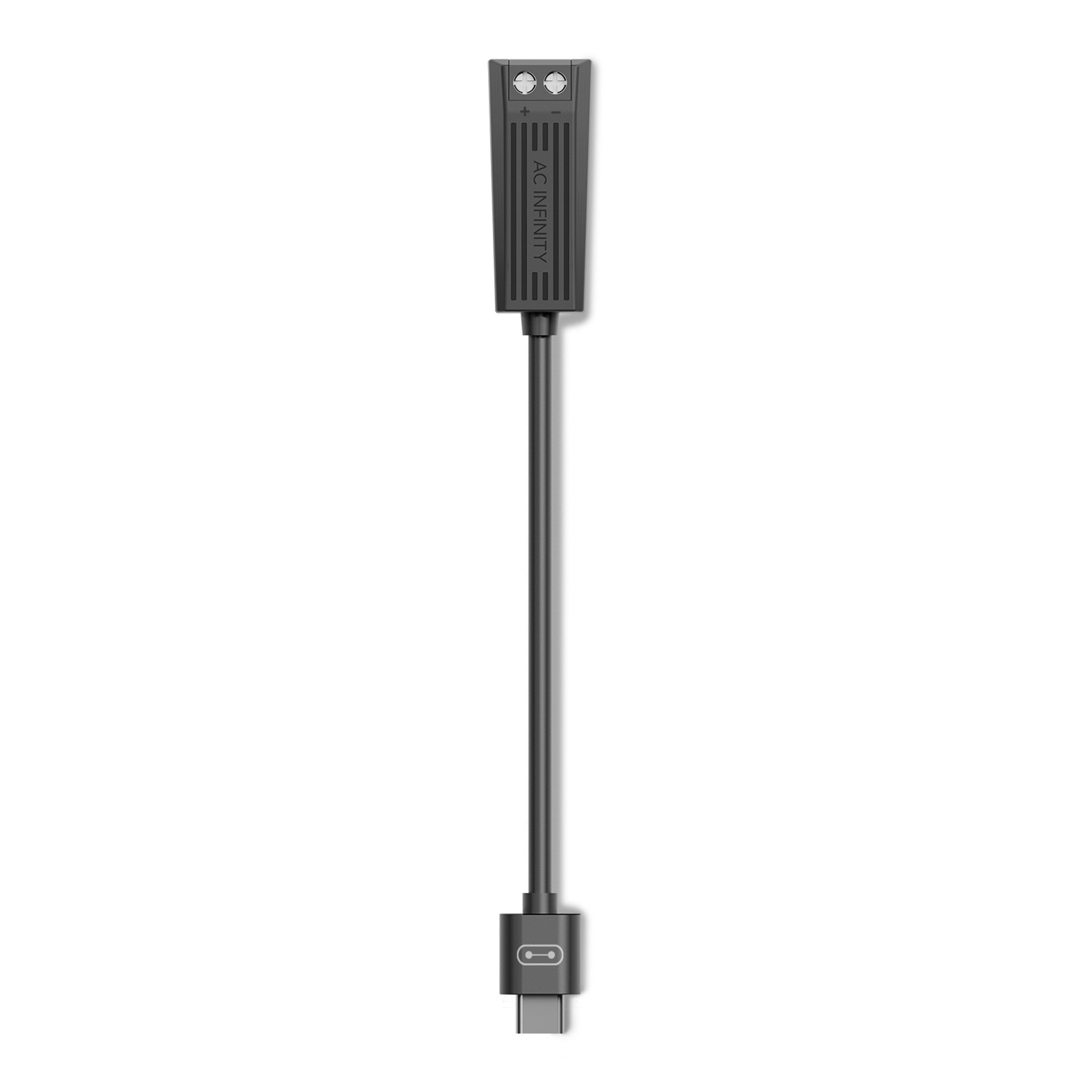
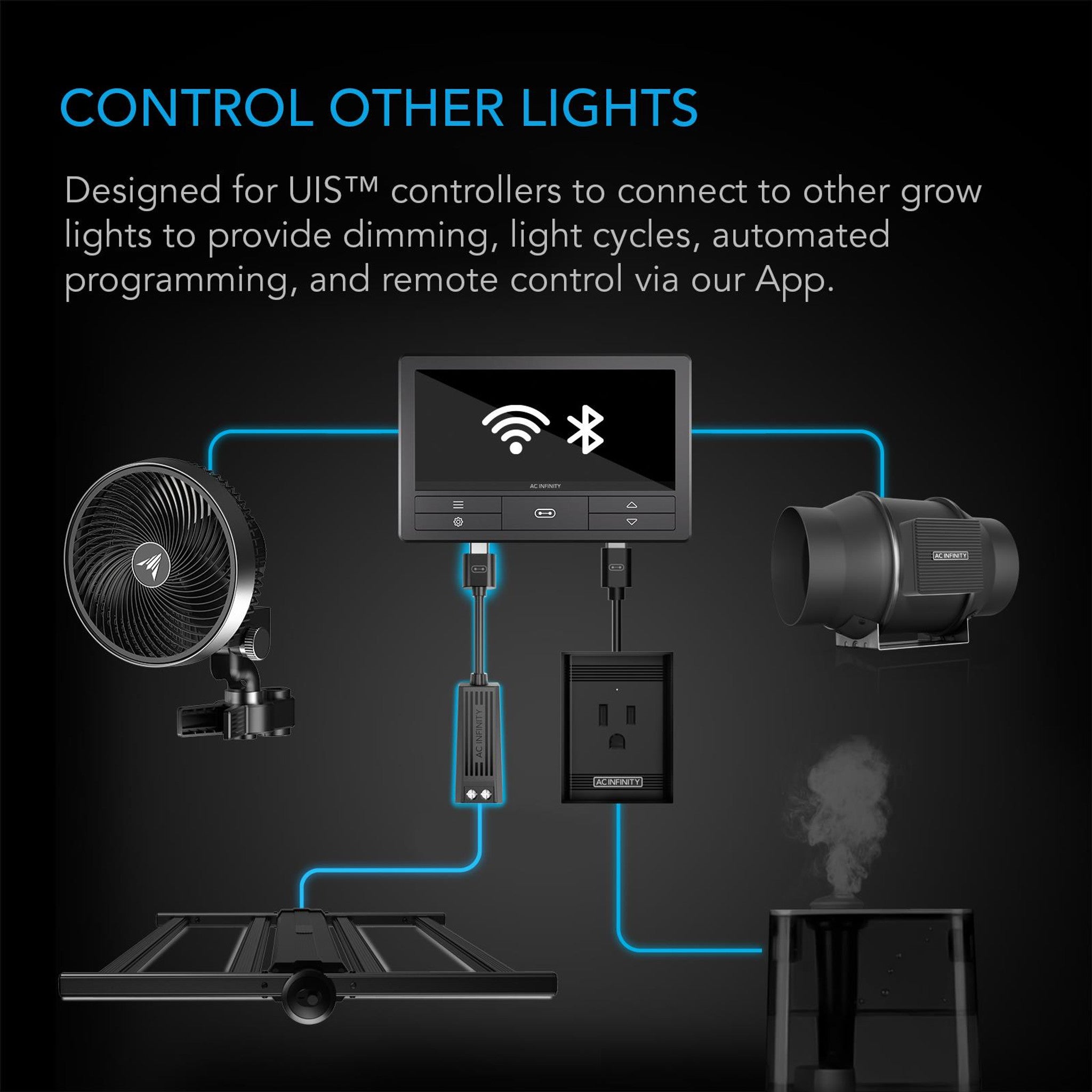
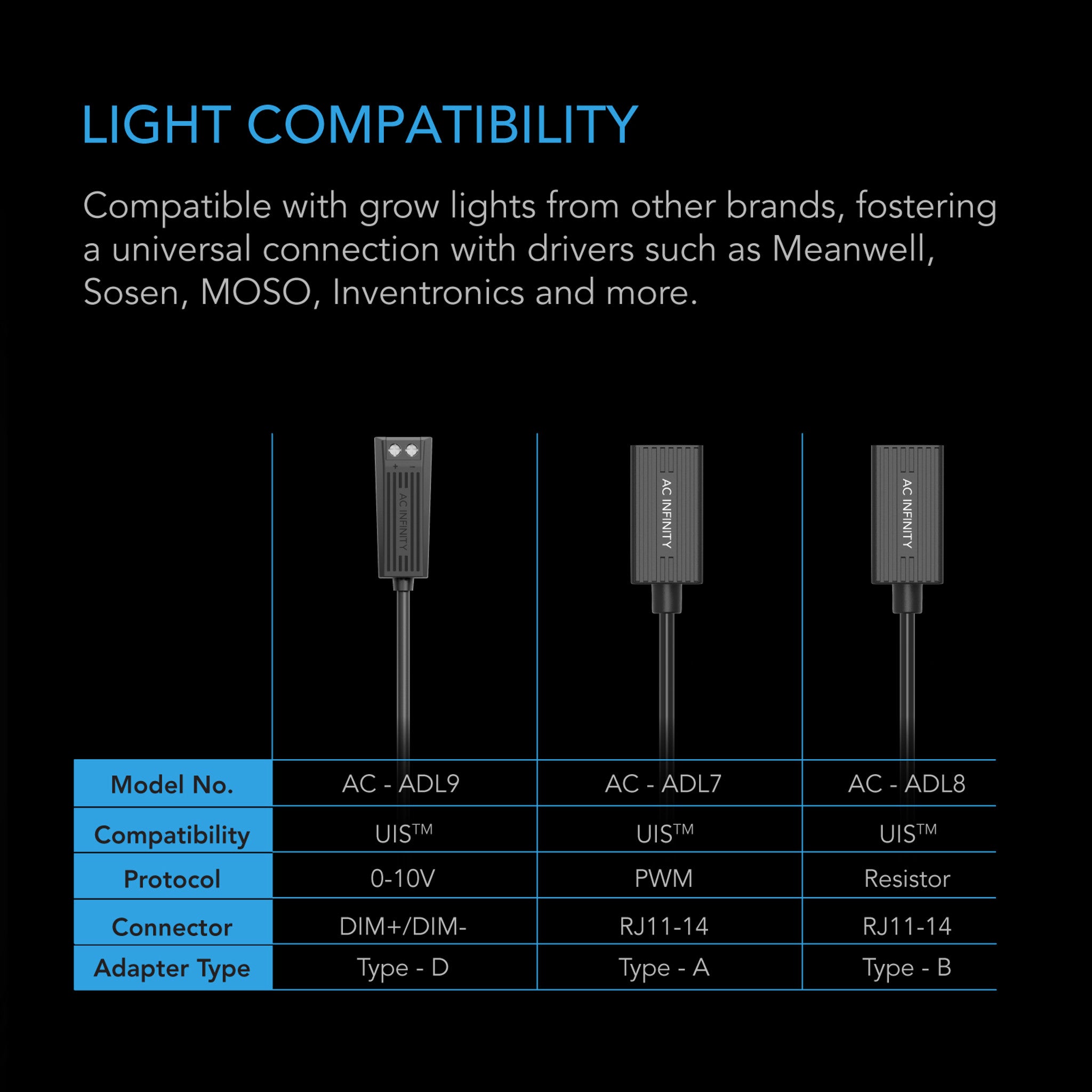


The AC Infinity UIS Lighting Adapter Type-D connects an AC Infinity controller to an LED grow light whose driver has bare dimming control wires rather than a socket. Where the Type-A and Type-B plug into an RJ11/12 port, the Type-D wires straight to the dim + and dim − leads — which is how a great many Meanwell, Sosen, MOSO and Inventronics drivers present their dimming. It is the widest-reaching of the three because it does not depend on the light maker fitting a particular connector.
The one that works when the others don't fit
Plenty of good lights — particularly bar-style fixtures and anything assembled around a standard driver — never got an RJ11 socket. The dimming is there, it is just two wires coming out of the driver marked dim + and dim −. The Type-D connects to those directly, which means the adapter's compatibility is set by the driver rather than by whether the light brand happened to fit a phone-style jack.
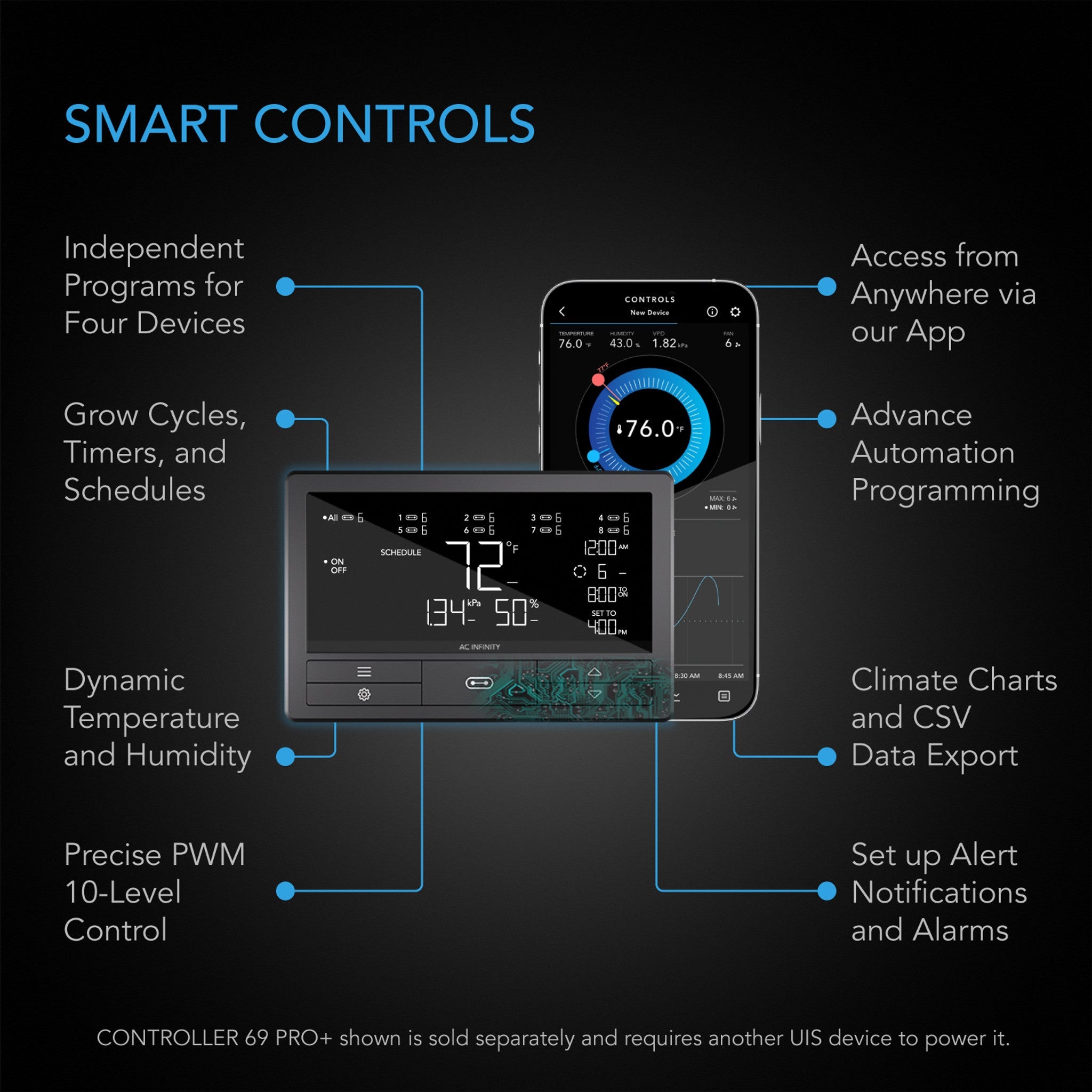
Once connected, the light behaves like any other device on your controller: intensity set by the controller, ramped sunrise and sunset, photoperiod schedules, cycles, and dynamic response to temperature, humidity and VPD if you want it. Same app, same programs as your fans and humidifier.
Which lights work
Any LED grow light whose driver has dim +/− control wires. AC Infinity name Meanwell, Sosen, MOSO and Inventronics as the usual drivers, though the adapter is not brand-specific — if the wires are there, it connects.
The honest caveat is the same one that applies to all three adapters: each driver implements dimming slightly differently, so on some lights the controller covers the full 0–100% and on others a narrower band. Scheduling, triggers and ramping work regardless; you may just have less of the bottom end.
Specifications
| Product identification | |
| Manufacturer | AC Infinity Inc. |
| Product name | Dimmer Wire to UIS Port Adapter, Type-D |
| Model | AC-ADL9 |
| UPC | 819137024472 |
| Performance and technical | |
| Adapter length | 25.4 cm (10 in) |
| Male end | UIS (to controller) |
| Female end | Dimming wire +/− (to light driver) |
| Driver brands commonly suited | Meanwell, Sosen, MOSO, Inventronics |
| Controller compatibility | Controller 69, 69 Pro, 69 Pro+ and later UIS controllers |
FAQ
How do I know my driver has dim wires?
Look at the cables coming out of the driver body. Beyond the mains input and the output to the light, a pair of thin wires — often purple and blue, or labelled DIM+ and DIM− — is the dimming pair. If they are there, the Type-D is your adapter. If instead there is a small square socket that takes a phone-style plug, you want the Type-A or Type-B.
Is this wiring work? Do I need an electrician?
No mains wiring is involved — the dimming pair is low-voltage signal, entirely separate from the power side of the driver, and the connection is a simple join to two wires. Do it with the light unplugged, get the polarity right, and that is the job. If your driver's dim wires are still inside a sealed housing, or you are not comfortable, ask us before you start.
Will it work on my Controller AI+?
AC Infinity list it for the Controller 69 range and later UIS controllers. If you are on an AI+ and want it confirmed for your particular driver before ordering, send us the details and we will check.
Can I control more than one light with it?
Depends on the driver. Some drivers allow their dim wires to be paralleled so several fixtures follow one signal; others do not. Check the driver's datasheet, or send it to us and we will read it for you. Each light on its own adapter and its own port always works.
What if I can't get full 0–100% dimming?
That is the driver's implementation rather than a fault. Different drivers respond over different parts of the signal range, so you may find the useful span is narrower at the bottom end. Everything else — scheduling, triggers, ramping — works normally.
My controller doesn't see it. What now?
Check for a controller firmware update in the AC Infinity app, then re-seat both ends. That resolves it in almost every case.